Royale Fortress GCash Deposit: Quick PHP Load Guide for Filipino Players
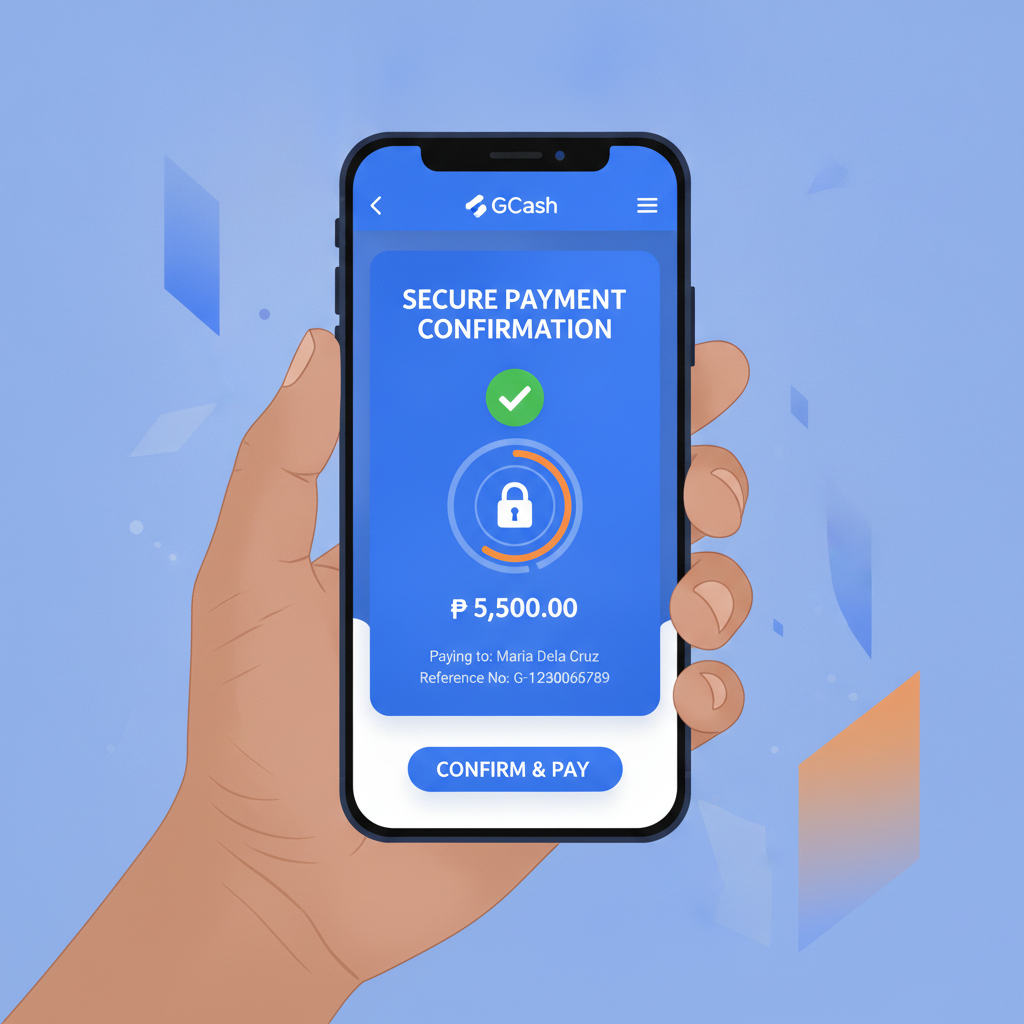
How to Top Up Your Royale Fortress Account Using GCash in Pesos
GCash is one of the most popular ways to load your Royale Fortress balance, especially if you already use the e-wallet for everyday transactions. The process takes a few minutes once you know where to tap. Here's how to deposit in PHP using GCash.
Step 1: Log into your Royale Fortress account
Open the platform on your phone browser or app. Tap the login button and enter your username and password. Make sure you're logged in fully before heading to the cashier.
Step 2: Go to the Deposit or Cashier section
Look for a "Deposit" or "Cashier" button—usually in the top-right corner or in the account menu. Tap it to see the list of payment methods.
Step 3: Select GCash
Royale Fortress displays several e-wallet and bank options. Tap "GCash" from the list. You may see a logo or the name spelled out.
Step 4: Enter the amount in pesos
Type the amount you want to load. Most players stick to PHP 100, 200, or 500, depending on their budget. The platform will tell you if your amount is too low or too high.
Step 5: Confirm and follow the GCash prompt
After you confirm, Royale Fortress will redirect you to GCash—either within the app (if it's installed) or through a mobile browser link. You'll be asked to authorize the payment using your GCash PIN or biometric login.
Step 6: Complete the transaction in GCash
Check the merchant name and the PHP amount. If everything looks correct, tap "Confirm" or "Pay." GCash will send a confirmation message once the transaction is done.
Step 7: Return to Royale Fortress
After paying, you'll usually be redirected back to Royale Fortress automatically. If not, tap the back button or reopen the site. Your balance should update within seconds, though in rare cases it may take a few minutes.
Tip: Keep a screenshot of the GCash transaction reference number. If anything goes wrong, customer support will ask for it.
Minimum GCash Deposit and Daily Limits
Royale Fortress sets a minimum GCash deposit of PHP 100 for most accounts. Some players report seeing PHP 50 minimums during promotions, but PHP 100 is the standard floor. You cannot load less than the minimum—the system will block the transaction or show an error message.
Daily and transaction caps depend on both Royale Fortress and GCash:
- Royale Fortress side: Daily deposit limits vary by account level or verification status. Newly registered players might have a cap of PHP 10,000 to PHP 20,000 per day. Once you verify your ID and complete additional checks, the limit can increase to PHP 50,000 or higher.
- GCash side: Fully verified GCash accounts have a monthly transaction limit of PHP 100,000 for GCash In (incoming money) and PHP 100,000 for GCash Out (outgoing payments). Your daily spending may be lower if you're also using GCash for shopping, bills, or other payments.
If you hit a limit, you'll see an error message when you try to deposit. Wait until the next day or the next billing cycle, or consider using another payment method such as Maya or bank transfer.
Check your GCash balance first. GCash will decline the transaction if you don't have enough funds loaded. Make sure you have the deposit amount plus any potential fees in your GCash wallet before starting.
What to Do If Your GCash Deposit Doesn't Show Up in Your Balance
Most GCash deposits appear in your Royale Fortress balance within seconds to five minutes. If your money hasn't arrived after ten minutes, follow these troubleshooting steps:
1. Refresh your browser or restart the app
Sometimes the balance display lags. Close the app or browser tab completely, then reopen it and log back in. Check the balance again.
2. Check your GCash transaction history
Open the GCash app and tap "Transaction History" or "Activity." Look for the payment to Royale Fortress. If the transaction shows as "Pending" or "Failed," the money may not have left your wallet yet.
- Pending: Wait a few more minutes. GCash may still be processing. If it stays pending for more than 30 minutes, contact GCash support.
- Failed: Your balance should be refunded automatically. Try depositing again, and make sure your GCash account is fully verified.
- Success or Completed: If GCash shows the payment as successful but Royale Fortress hasn't credited your balance, move to the next step.
3. Take a screenshot of the GCash receipt
Capture the transaction details: date, time, reference number, amount, and merchant name. You'll need this when you contact Royale Fortress.
4. Contact Royale Fortress customer support
Use the live chat feature or email support. Explain that your GCash deposit hasn't appeared, and send the screenshot. Include your Royale Fortress username and the exact PHP amount. Support teams typically resolve these issues within a few hours, though it can take up to 24 hours during busy periods.
5. Avoid depositing again immediately
If you send a second payment before the first one is sorted out, tracking both transactions becomes more complicated. Wait until support confirms the first deposit before loading more money.
Common causes of missing deposits:
- Wrong account name or number: Double-check that you're logged into the correct Royale Fortress account when depositing.
- System maintenance: Occasionally Royale Fortress pauses deposits during updates. Check their social media pages or announcements.
- GCash server issues: During peak hours or outages, GCash may delay processing. Check GCash's official Facebook page or Twitter for service alerts.
GCash Deposit Fees and How to Avoid Extra Charges
Royale Fortress typically does not charge a deposit fee for GCash transactions. Most players report seeing the full amount they sent reflected in their balance. For example, if you load PHP 500 via GCash, you should see PHP 500 in your Royale Fortress account.
However, fees can still appear in two scenarios:
1. GCash cash-in fees
Before you can deposit to Royale Fortress, you need PHP loaded in your GCash wallet. Depending on how you cash in to GCash, you may pay a small fee:
- Bank transfer to GCash: Usually free or PHP 10–15 depending on your bank.
- 7-Eleven, Ministop, or other partner stores: Often free for amounts below PHP 5,000, but some outlets charge PHP 10–20.
- GCash Mastercard or online bank link: Typically free.
2. Currency conversion or payment gateway fees
If Royale Fortress uses a third-party payment processor, a small handling charge might be deducted before the money reaches your balance. This is rare for GCash transactions within the Philippines, but if you see a discrepancy (for example, PHP 500 deposited but only PHP 495 credited), this could be why.
How to minimize or avoid fees:
- Cash in to GCash for free: Use InstaPay bank transfers or reload at partner stores that don't charge.
- Deposit the minimum only when testing: If you're trying GCash for the first time, load PHP 100 first to confirm everything works smoothly.
- Check the deposit confirmation screen: Before hitting "Confirm," Royale Fortress should show the final amount that will be credited. If you see a fee listed, you'll know upfront.
- Ask support about fee-free thresholds: Some platforms waive fees if you deposit above a certain amount (for example, PHP 1,000 or more). Live chat can clarify Royale Fortress's current policy.
Keep an eye on your GCash balance after the transaction. If PHP 500 left your GCash but only PHP 480 or PHP 490 appeared in Royale Fortress, screenshot both the GCash receipt and your Royale Fortress balance, then ask support for an explanation.
21+ Only: Deposit Only What You Can Afford and Set Limits
Royale Fortress is strictly for players aged 21 and older. Online betting is an adult activity, and responsible gambling starts with how much you load into your account.
Deposit only money you can afford to lose. Treat your GCash deposit like entertainment spending—similar to a movie ticket or a night out. Never load money meant for bills, rent, food, or savings. If losing that PHP 100 or PHP 500 would create financial stress, don't deposit it.
Set a personal deposit limit before you start. Decide in advance how much you'll load per day or per week, and stick to it. Many players cap themselves at PHP 500 per week to keep play casual. If Royale Fortress offers a built-in deposit limit tool in the account settings, use it. These features let you set a daily or monthly ceiling, and the system will block deposits beyond that amount.
Watch for signs of problem gambling:
- Chasing losses by depositing again and again.
- Borrowing money or using credit to fund deposits.
- Feeling anxious or irritable when you can't play.
- Hiding your deposits or play time from family and friends.
If you recognize any of these signs, take a break. Royale Fortress should offer self-exclusion or cooling-off options in the account menu. You can also contact GCash to temporarily restrict payments to online casinos if you need extra support.
Resources for help:
- National Council on Problem Gambling (if available in the Philippines)
- Local mental health and counseling services
- GCash's responsible spending features (spending caps and merchant blocks)
Depositing with GCash is fast and convenient, but it also makes it easy to load money without thinking. Pause before each deposit and ask yourself: "Am I playing for fun, or am I trying to win back what I lost?" The answer will help you stay in control.
Summary: Topping up Royale Fortress with GCash takes a few taps and usually completes in under five minutes. Stick to the PHP 100 minimum, watch your daily limits, and keep transaction screenshots in case of delays. Most deposits arrive instantly with no fees, but if your balance doesn't update, refresh the app and contact support with your GCash receipt. Always remember: this is entertainment for adults 21 and over—deposit only what you can afford and set limits before you play.